Jupyter Installation with Conda
For other installation methods like brew, pip, etc. .. see jupyter website: installation
I’m using miniconda here and install jupyter and also some mandatory libraries like numpy and pandas:
conda install jupyter
conda install numpy
conda install pandas
we can now start jupyter by running jupyter lab or jupyter notebook.
Let’s parse some movie information from the IMDB, they have put some interesting datasets online here
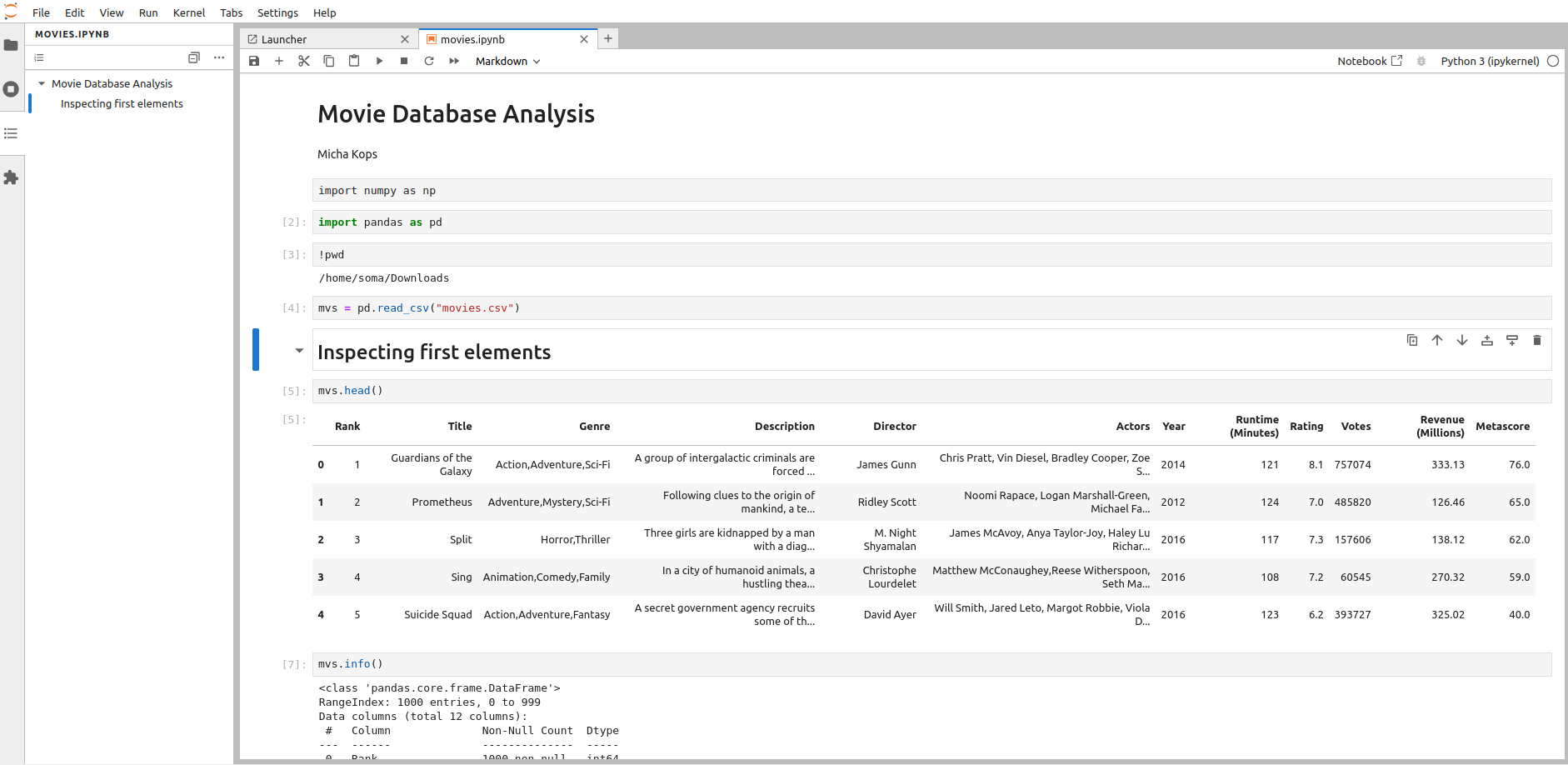
We’re reading in the movie.csv file and do some basic analysis like this:
reading csv files in panda
import numpy as np
import pandas as pd

mvs = pd.read_csv("movies.csv")
mvs.head()

mvs.info()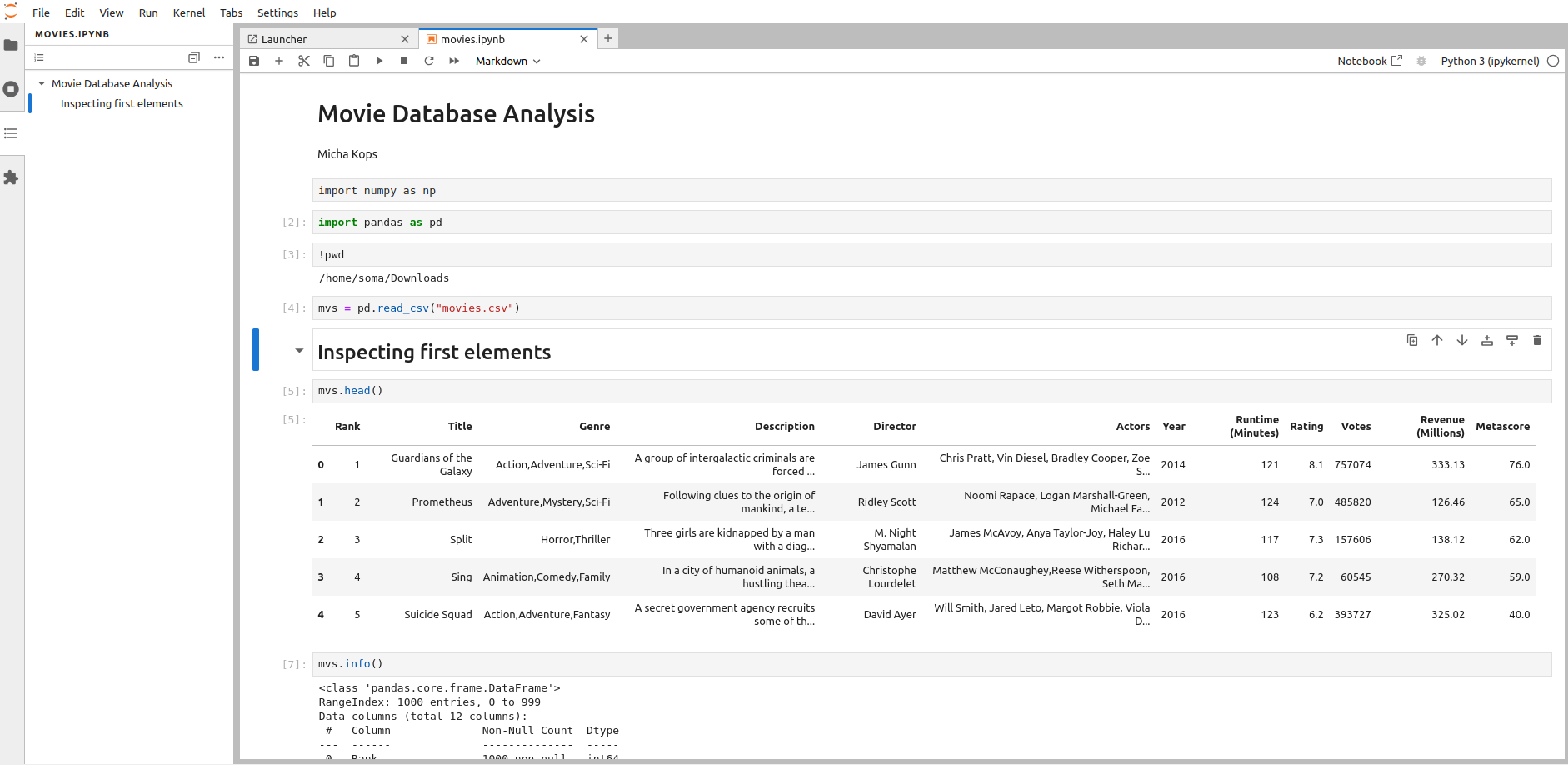
Figure 1. parsing a movie database from csv
Connecting a Postgres Database in Jupyter
install postgres library with conda
conda install psycopg2and then in jupyter:
import psycopg2 as pg

database_type='postgres'
host='somehost'
port='4432'
database_name='postgres'
user='postgres'
password='postgres'

connection_string = f"postgresql://{user}:{password}@{host}:{port}/{database_name}"

connection = pg.connect(connection_string)

query = "SELECT * FROM myschema.mytable"
df = pd.read_sql(query, connection)
df.head()